Everyday cloud work
Email, web apps and shared documents for small teams.
BUSINESS CONNECTIVITY
Broadband-only service using fibre to the street cabinet and copper to your premises. Check what is available at your business address.
Availability depends on your premises and final eligibility checks.
Traditional phone line voice is not included just because broadband is.
Optical fibre reaches a street cabinet.
The last stretch to your building is copper.
Results apply only to the premises you select.
HOW IT WORKS
SOGEA stands for Single Order Generic Ethernet Access. It delivers broadband without a separate traditional phone line. Fibre runs to a street cabinet, and the remaining link to your premises uses existing copper.
It is different from Full Fibre (FTTP), where fibre reaches the premises. If FTTP is available at your site, you can compare both.
Generic schematic, not a specific equipment model
IS IT RIGHT FOR YOU?
Examples only. Real performance depends on your copper line, equipment and the plan available at your address.
Email, web apps and shared documents for small teams.
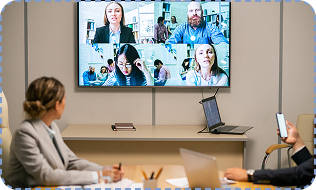
Calls and screen sharing, where upload speed also counts.
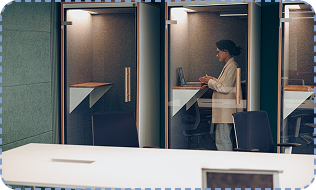
One premises with a standard line and router.
COPPER LINE AND DISTANCE
With copper, speeds generally fall the farther your premises are from the cabinet and can vary by line quality. Any speed shown is an estimate for your address, never a guarantee.
BEFORE YOU SWITCH
Part Fibre is broadband only. Review these first, so nothing stops working after the switch.
Ask about number porting early if you use a traditional line.
Check whether payment devices use the phone line.
Security alarms and fax machines may rely on the line.
Lifts and telecare devices need checking before any change.
YOUR RESULTS
Offers appear only when Part Fibre can be ordered at the premises you select.
If full fibre is not orderable at your address, or you have several sites, a specialist can help.

No SOGEA plans, prices or speeds have been supplied. Every [verified] value is bound to the live source after your address check.
INSTALLATION & READINESS
No dates or seamless-switch promises are made before your order is confirmed.
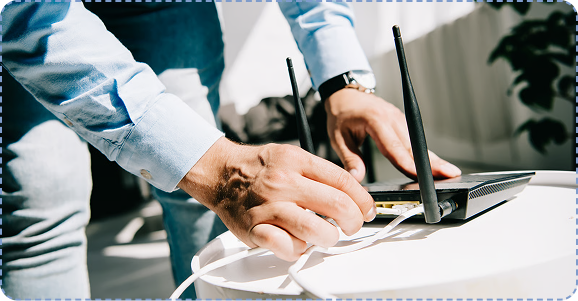
Select your exact premises and read the result.
See if a DSL-ready socket or router change is needed.
Review numbers, alarms and terminals first.
Appointments are shown only when confirmed.
Equipment inclusion is stated per offer.
Check every dependent device after go-live.
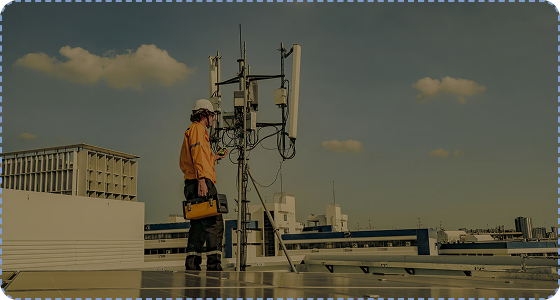
SUPPORT & SLAS
Support channels, hours and any service commitments appear only when confirmed for your plan. No uptime or repair promise is implied.
Business Support & SLAsRELATED SOLUTIONS
Each is a separate service with its own eligibility and pricing.
BUSINESS SPECIALIST
Tell us about your site and phone setup. We ask only for what is needed and give a reference once your request is received.
FAQ
Single Order Generic Ethernet Access. It is broadband delivered over fibre to the cabinet and copper to the premises, without a separate traditional phone line.